
$85
$100
Upgrade your Allstarlink setup with the TORUN DiGi Gate V2! Proudly made in Bangladesh, this dedicated interface features a built-in SA818 UHF/VHF module, original CM108B chip, and a professional OLED display for real-time node status. Get high performance, 50-ohm impedance matching, and a 6-month warranty.
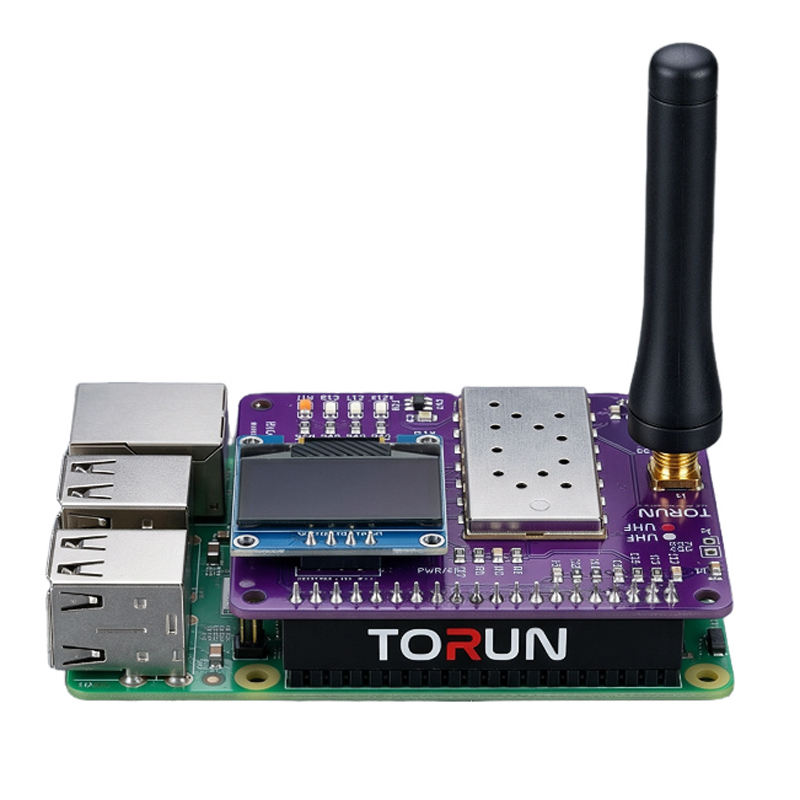
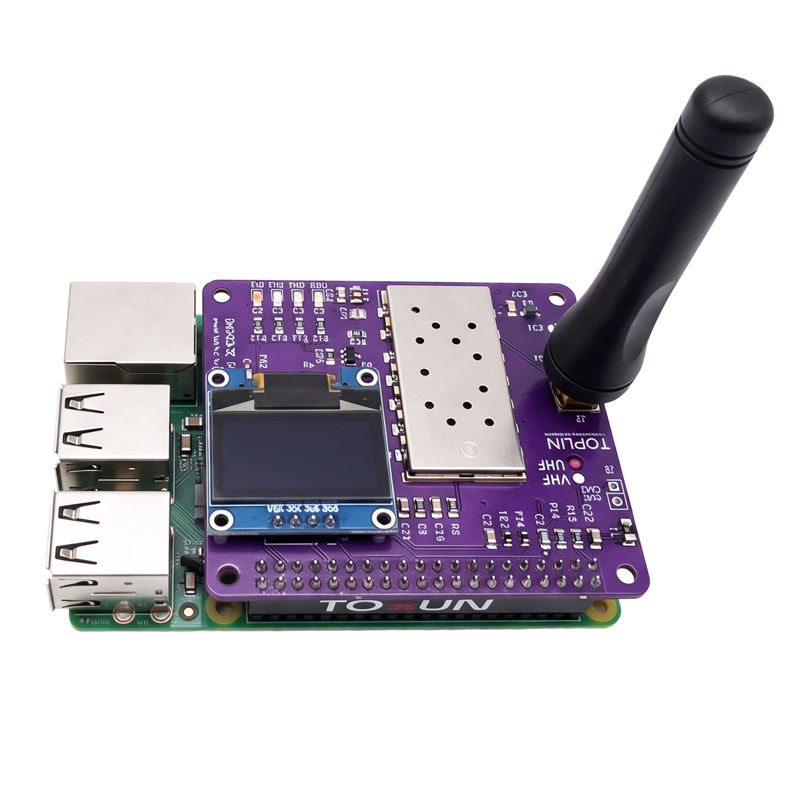
Elevate your Ham Radio experience with the TORUN DiGi Gate V2, the most advanced and professional Allstarlink interface designed for enthusiasts who demand reliability, clarity, and real-time data. Proudly engineered and built in Bangladesh, this dedicated PI Hat transforms your Raspberry Pi into a high-performance radio gateway.
Unlike standard interfaces, the DiGi Gate V2 is a complete communication powerhouse. It features the original CM108B chipset for crystal-clear audio and a built-in SA818 UHF/VHF module, ensuring a seamless connection to the Allstarlink network without the mess of external wires.
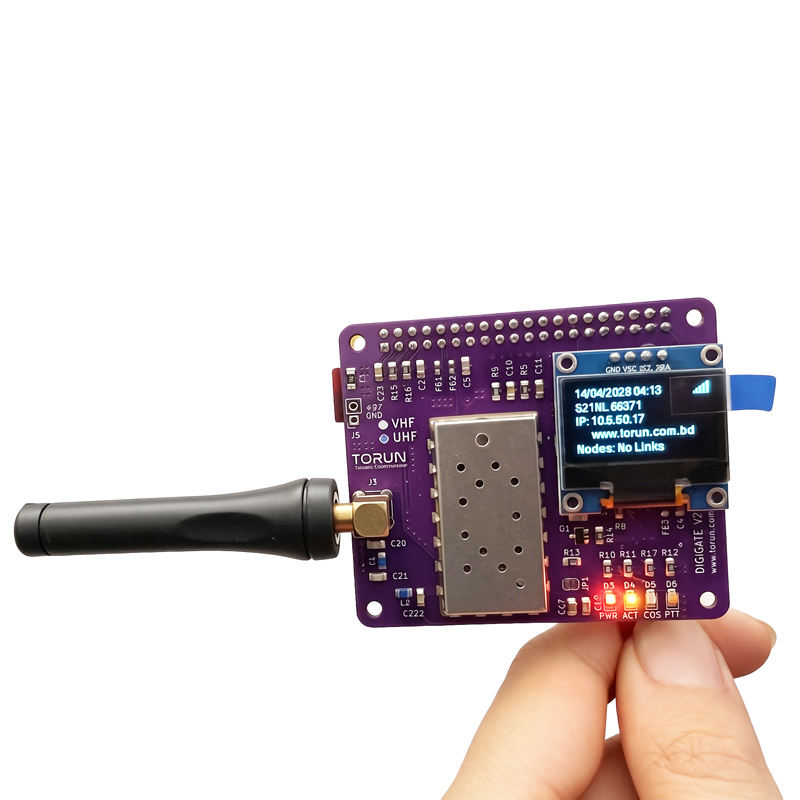
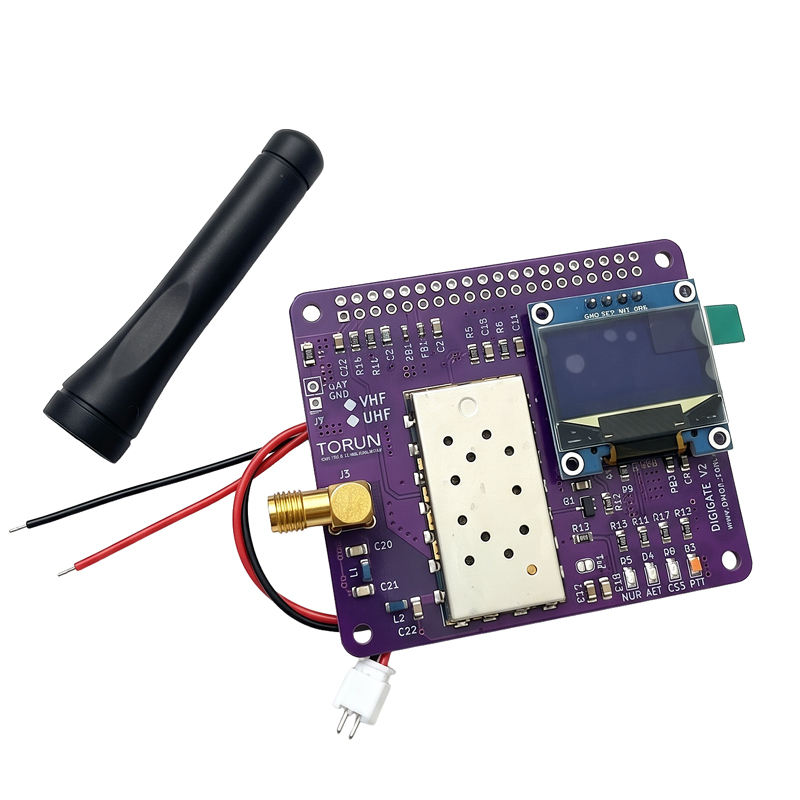
Integrated Radio Module: Built-in SA818 UHF/VHF for versatile frequency support.
OLED Status Display: For the first time, get a built-in OLED screen showing:
Allstarlink IP Address & Node Number
Callsign & WiFi Signal Strength
Real-time RX/TX Status
Live Connected Nodes List
Professional RF Engineering: 50-ohm Impedance Matching Board with an integrated Low Pass Filter for a clean, stable signal.
Smart Protection: Equipped with a Resettable Fuse for over-current protection, keeping your Raspberry Pi safe.
Visual Indicators: Dedicated LEDs for Power, COS, ACT, and PTT status.
Full Control: Supports SA818-MENU for easy radio programming and features a Hi/Low Power hardware option.
To get your OLED display running with live node data, simply follow the official installation guide on GitHub:
🔗 Official Repo: https://github.com/fahadmieaji/digi_gate_oled
Quick Install Commands:
git clone https://github.com/fahadmieaji/digi_gate_oled.git
cd digi_gate_oled
chmod +x install.sh
./install.sh
Opening the Menu
Simply type the following command in your terminal:
sudo digi-gate-menu
Menu Options
- Change Callsign: Update the displayed callsign.
- Change Node Number: Update the AllStar node being monitored.
- Toggle Rotation: Rotate the screen text 180 degrees (Inverted mode).
- Save and Apply: Persist changes and restart the display service.
💰 Special Domestic Price: Call +8801992233442
🔄 Exchange Offer: Trade in your old interface and get up to a 25% Discount on your new V2! (For the Bangladesh Market).
📅 Shipping Starts: May 5th, 2026.
🛡️ Warranty: Includes a 6-month replacement warranty for total peace of mind.
TORUN – The Only Radio You Need.

